




 About G66 UK
 About Fractal Audio Systems


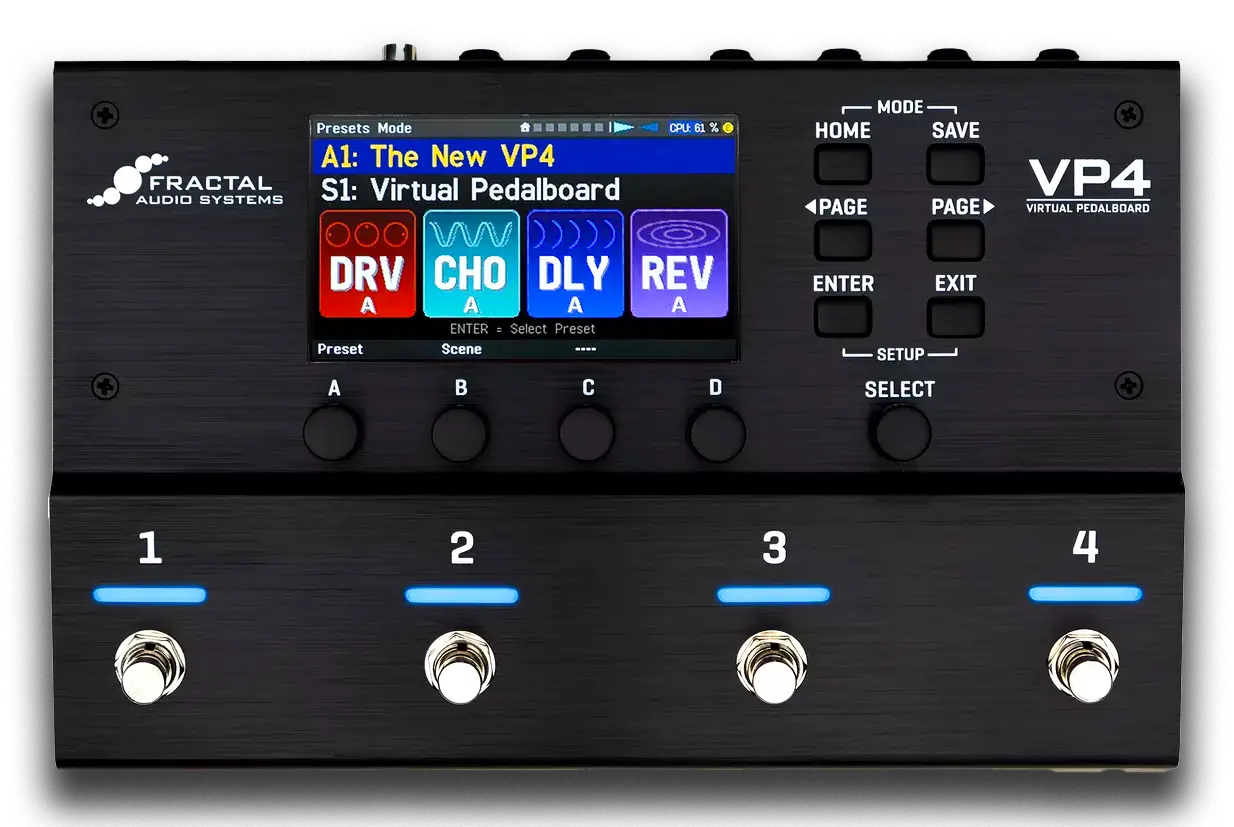
VP4 Edit
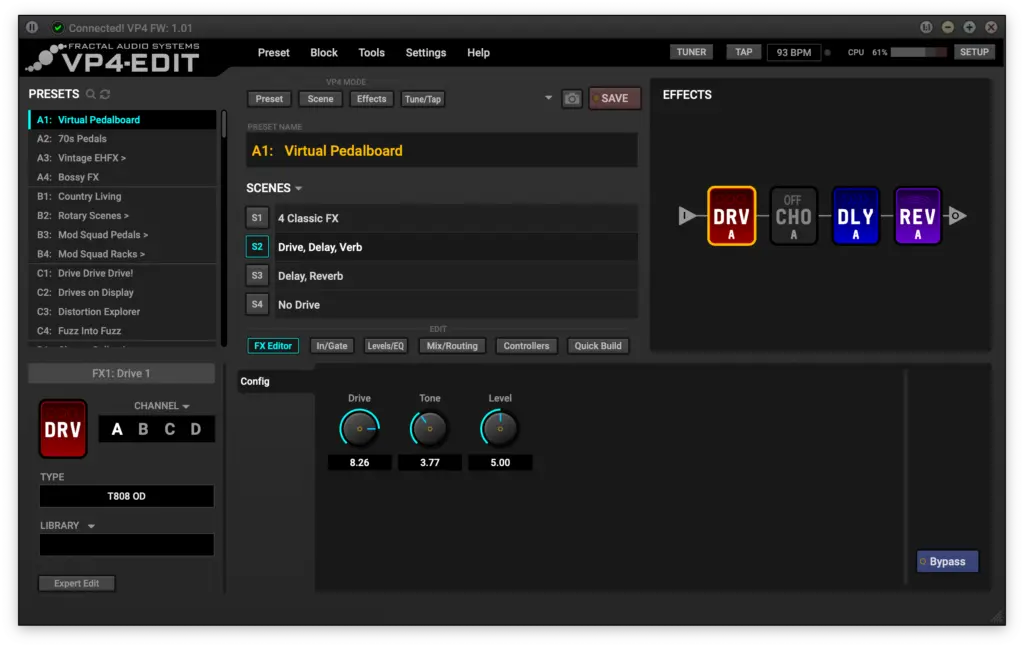
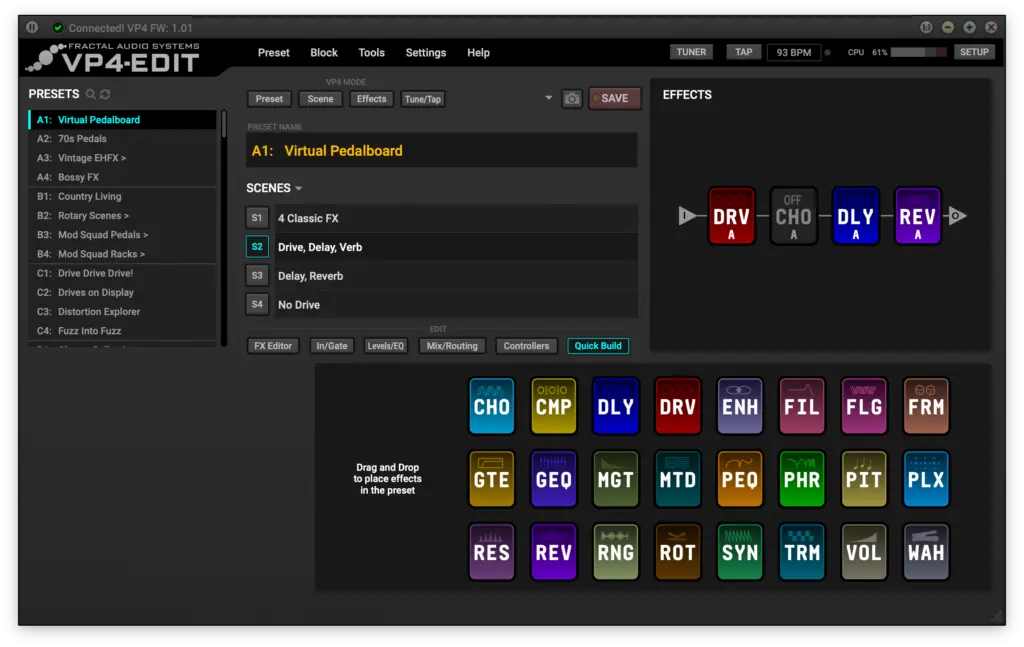
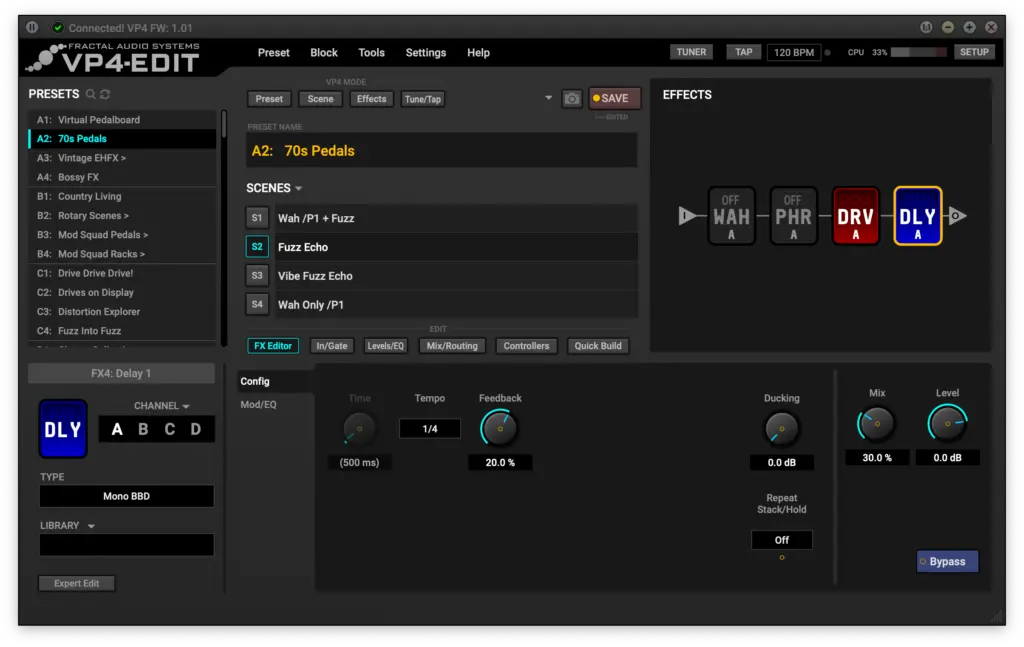
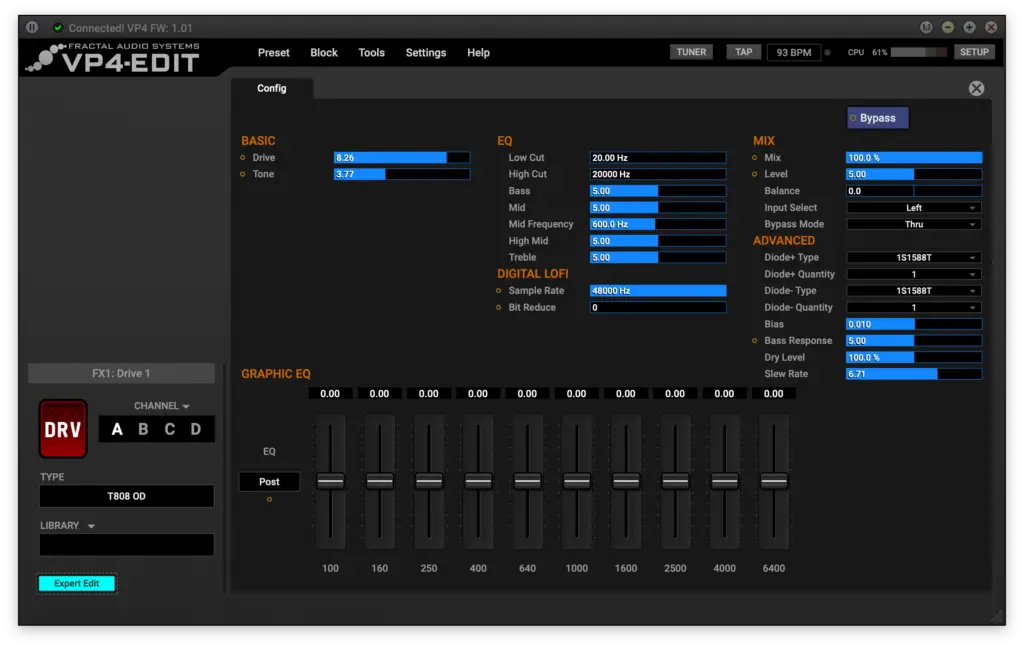
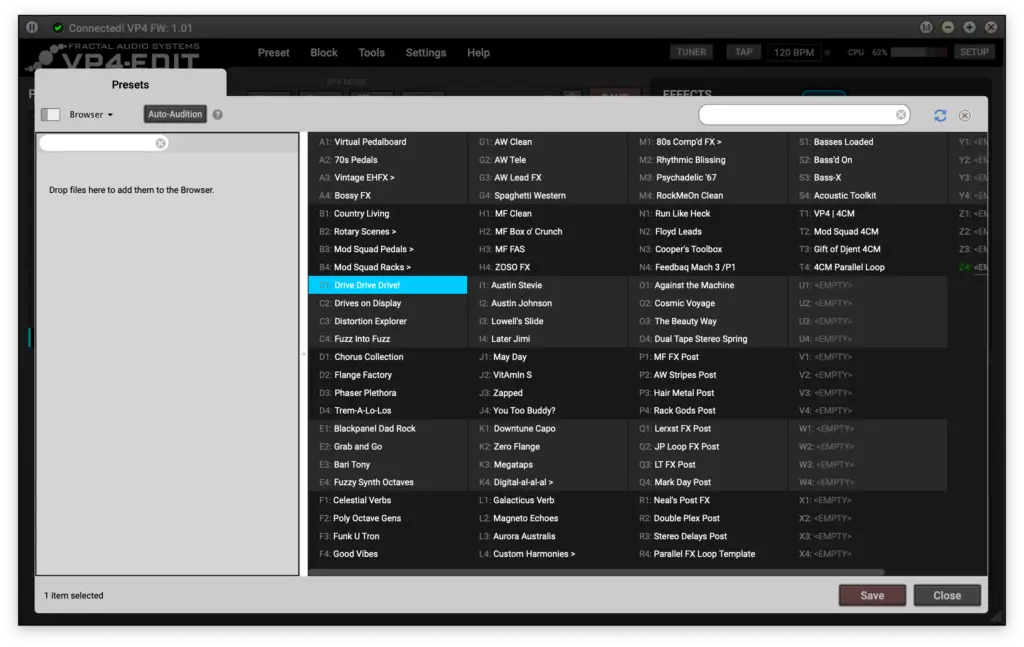
VP4-Edit is a free, intuitive software editor for the VP4. This app allows you to easily create, edit, and manage your VP4 from your connected Mac or PC, providing a fast and user-friendly interface. Whether you’re dialing in effects, building scenes, or managing presets, VP4-Edit simplifies the process, helping you get the most out of your unit. It even includes bonus features not available on the VP4 itself, such as Block Library, Channel Copy, Scene Swap, and more. You can download VP4-Edit for Mac or Windows below.
- Enjoy the convenience of using a computer keyboard and mouse to edit.
- Edit effect types, settings, modifiers and more.
- Set up the gate, levels, EQ, routing, and controllers.
- Speed your workflow with preset Templates.
- Use the Block Library to access favorite effect settings in just two clicks.
- Import, Export, Copy/Paste, and re-order presets.
- Change SETUP options including Audio, Global, MIDI, and more.
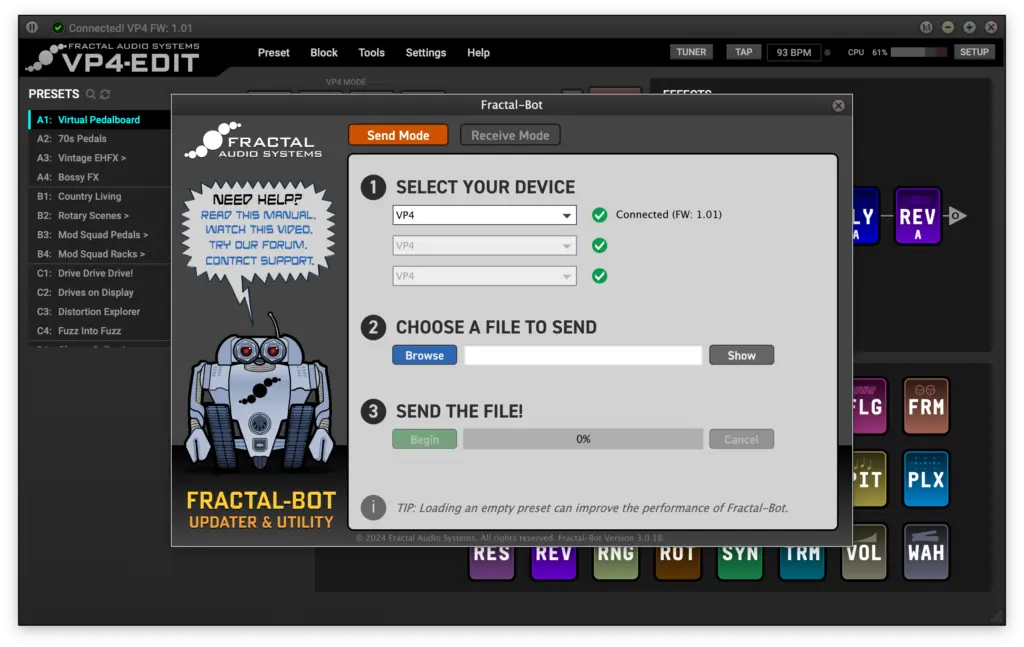
- Use Fractal-Bot built-in to update firmware, back up, and restore.
VP4 Downloads
Firmware & Presets
 | Firmware v4.02Zip Archive — Mar 20, 2026 Version 4.02 adds new features and is recommended for all VP4 owners. | Download |
 | VP4 Factory Presets FW v2.00Zip Archive —April 10, 2025 | Download |
Manual
 | VP4 Owner's ManualPDF File—Oct 10, 2024 Owner’s Manual version 1.x You can also download the Quickstart Guide and 4CM Onesheet. | Download |
| VP4 Quickstart GuidePDF File — Dec 2024 | Download |
Drivers
 | VP4 Windows USB DriverExecutable – May 7, 2025 | Download |
 | No Driver is required for Mac OS XConnect the VP4 via USB and it will appear |
Fractal-Bot
| Fractal-Bot for WindowsVersion 3.00.24 – November 24, 2025 – (.exe file) | Download |
| Fractal-Bot for OS XVersion 3.00.24 – November 24, 2025 – (.dmg file) | Download |
| Fractal-Bot ManualVersion 2.9 – Mar 22, 2018 (.pdf file) | Download |