





 About G66 UK
 About Fractal Audio Systems


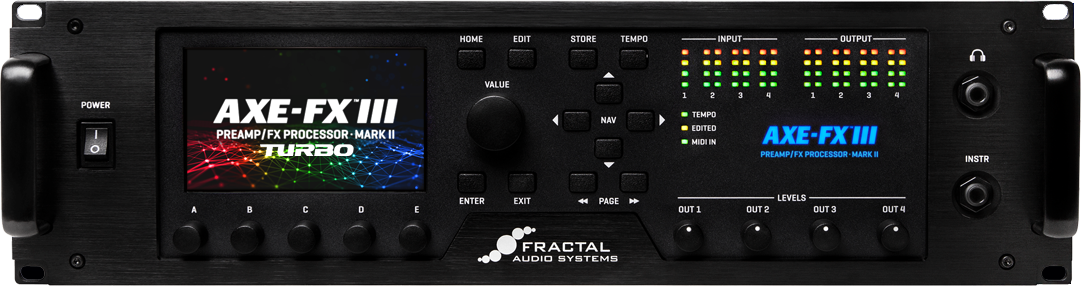
Axe-Fx III Downloads
Firmware & Presets
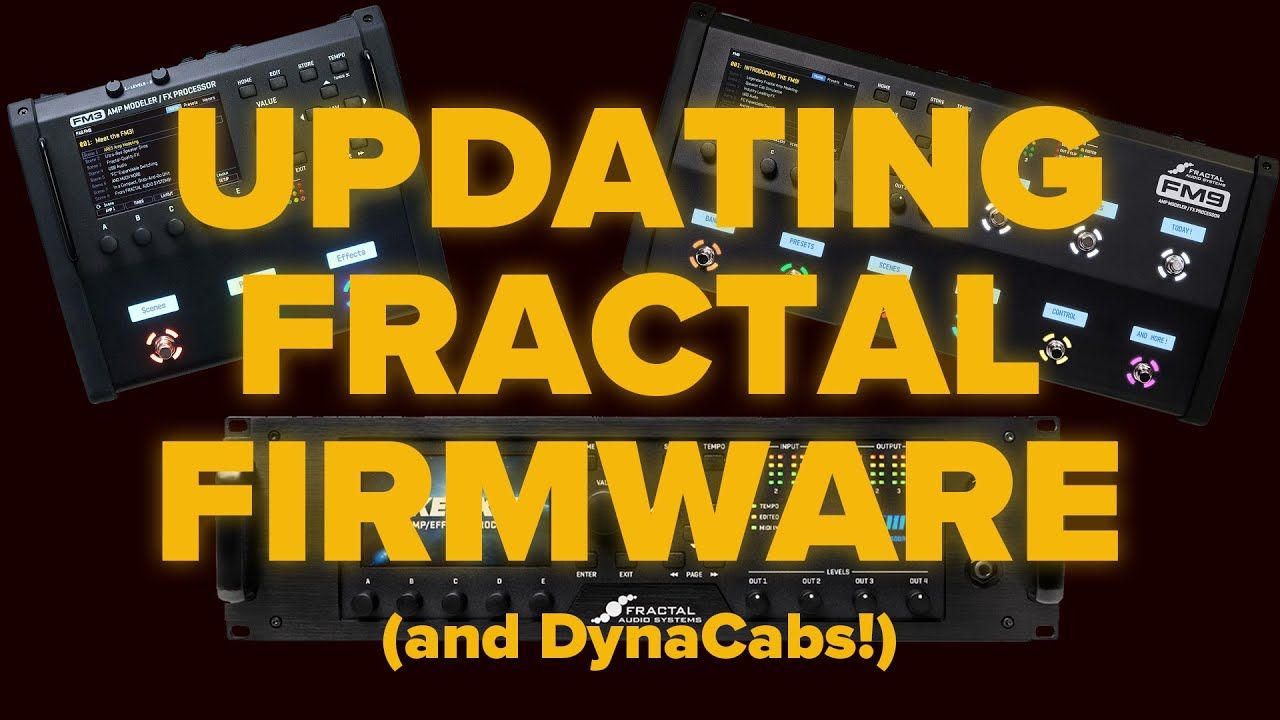
 | Firmware v32.03Make Backups Compatible with Axe-Fx III Original and Axe-Fx III Mark II Zip Archive— Apr 5, 2026 IMPORTANT: This firmware requires the latest version of Axe-Edit for installation and use. Please update Axe-Edit first, then use its built-in version of Fractal-Bot (found under the Tools menu) to install the firmware. | Download |
| DynaCab v1.09Oct 24, 2025 - Zip Archive DynaCab for FW v30.00 or newer. If you need help updating, see the Owner’s Manual or this Update guide. | Download |
 | Download | |
 | Axe-Fx III USB Firmware v1.1822. Dec, 2025 - Zip Archive | Download |


Manual
 | Axe-Fx III Owner's ManualJul 2022 - PDF File. | Download |
| Axe-Fx III - Power up and take offAug, 2022 - PDF File. | Download |
| Fractal Audio Blocks GuideJun, 2023 - PDF File. | Download |
| Fractal-Bot ManualMar 22, 2018 Version 2.9 - .pdf file. | Download |
Drivers
 | Axe-Fx III USB Driver Setup for WindowsMar 7, 2025 - Zip Archive, v5.74 Windows 7/8 require the use of driver version 5.12. | Download |
 | No Driver is required for Mac OS XConnect the Axe-Fx III via USB and it will appear |
Fractal-Bot
| Fractal-Bot for WindowsVersion 3.00.24 – November 24, 2025 – (.exe file) | Download |
| Fractal-Bot for OS XVersion 3.00.24 – November 24, 2025 – (.dmg file) | Download |
| Fractal-Bot ManualVersion 2.9 – Mar 22, 2018 (.pdf file) | Download |