





 About G66 UK
 About Fractal Audio Systems


FM3 Edit
FM3-Edit è l’editor di FM3 ricco di funzioni per Mac/PC. Con esso è possibile visualizzare, modificare e gestire i preset e molto altro ancora.
Apprezzerete immediatamente i vantaggi di lavorare su di un grande monitor per computer con una tastiera completa e un mouse/touchpad. FM3-Edit rende ancora più facile creare e gestire anche le configurazioni più complesse.
È possibile visualizzare interi preset in un solo sguardo, modificare blocchi e parametri, fare copia/incolla, trascinare e rilasciare e molto altro ancora.
Accelerate il flusso di lavoro con i Template dei preset, oppure utilizzate la Block Library salvata sul vostro computer per accedere alle impostazioni preferite con un solo clic.
Liberate tutto il vostro potenziale creativo con FM3-Edit, disponibile qui sotto gratuitamente.


 | FM3-Edit for Windows (64-bit).exe file – January 19, 2026 – Version 1.07.15 NOTE: Like Fractal-Bot and USB Audio, FM3-Edit for Windows depends on the FM3 USB Audio and Serial drivers. IMPORTANT: If you get the error “MSVCP140.dll is missing” please install the MS Visual C++ Redistributable Update. | Download |
 | FM3 Edit for Mac OS.dmg file – January 19, 2026 – Version 1.07.15 | Download |
FM3 Downloads
Firmware & Presets
Potete trovare l'attuale versione italiana di “Firmware Update Guide” qui:
Axe-Fx III · FM9 · FM3
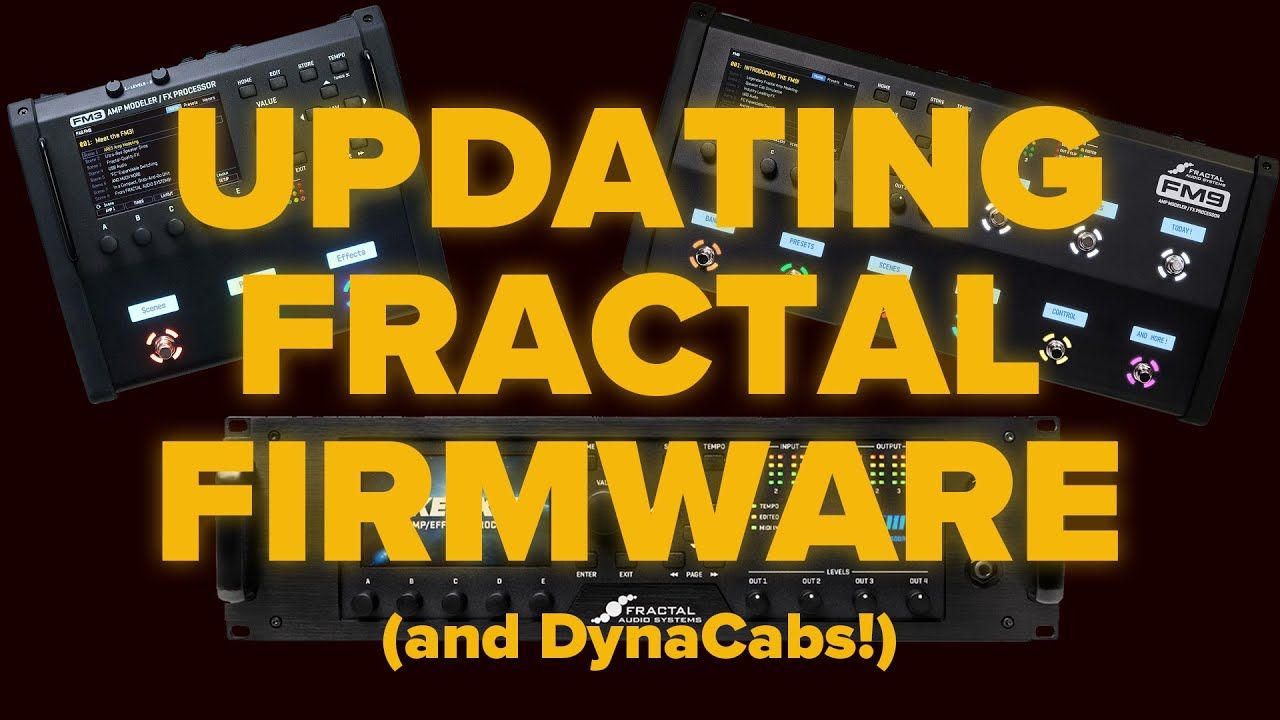
 | Firmware v12.00Compatible with FM3 Original and FM3 Mark II Turbo — Jan 19, 2026 An updated version of FM3-Edit is required for use with this release. First, update FM3-Edit, then open its built-in version of Fractal-Bot from the Tools menu to install the new firmware. Make Backups NOTE: If you have already installed the current DynaCabs installed you can update just the firmware. If the current DynaCabs are not found, your unit will display an error message when it boots. To resolve this, please refer to this knowledgebase article. | Download |
 | FM3 Factory PresetsZip Archive, June 4, 2025 — Factory preset banks for FM3 firmware 10.00 or newer. Includes banks A, B, C and an ALL BANKS file. Use Fractal-Bot to install. | Download |


Manuale utente
 | Download | |
| FM3 - Accensione e decolloAug, 2022 - PDF File. | Download |
| Fractal Audio Blocks GuideJun, 2023 - PDF File. | Download |
| Guida alle funzioni dei footswitchesApril, 2022 - PDF File. | Download |
| OMG9 & OMG15 Layouts with Mini-ManualJun 21, 2021 - Zip Archive. | Download |
| Fractal-Bot Manuale utenteMar 22, 2018 Version 2.9 - PDF file. | Download |
Drivers
| FM3 Windows USB Drivers BundleZip Archive – May 7, 2025 Audio Driver: Version 5.74 and Serial Driver: Version 1.3 Windows 7/8 require the use of driver version 1.1. | Download |
| No Driver is required for Mac OS XConnect the FM3 via USB and it will appear |
Fractal-Bot
| Fractal-Bot for WindowsVersion 3.00.24 – November 24, 2025 – (.exe file) | Download |
| Fractal-Bot for OS XVersion 3.00.24 – November 24, 2025 – (.dmg file) | Download |
| Fractal-Bot ManualVersion 2.9 – Mar 22, 2018 (.pdf file) | Download |